
Your shop, with payments handled
First month free. After that, LBS keeps a share of each sale.
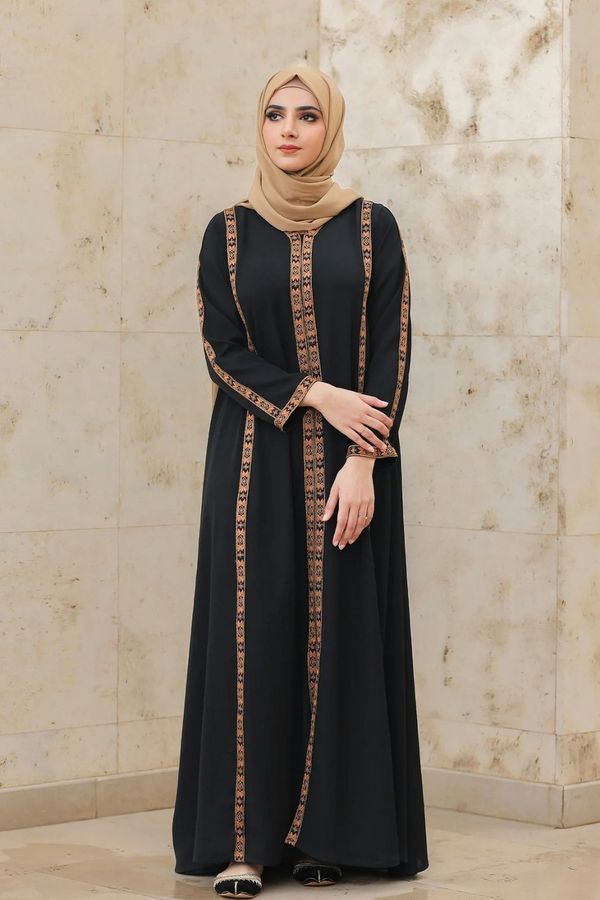
Why shops join LBS
Get paid without chasing
The buyer's money is held. You are paid when they confirm, or 2 days after your delivery photo.
A shop page that is yours
Your dresses, reviews and chat in one place, with a link for your Instagram bio.
A share that gets smaller
The more you deliver each month, the less LBS keeps.
How to open your shop
Get the LBS app
Download it and make your account with your email.
Open your shop
Add your shop name, your Instagram, TikTok or Snapchat, and your area.
Get verified
In the app, show your ID and do a quick face check with Didit, our ID check partner. Then add your business license.
Add your dresses
Photos, sizes and prices. Your shop goes live once LBS approves it.
Get paid to your bank
Add your IBAN. You are paid when the buyer confirms, or 2 days after your delivery photo.
What it costs
Buyers pay a 5% service fee on top, so your price stays yours.
| Rank | Delivered sales last month | LBS keeps |
|---|---|---|
| Rookie | KWD 0.000–100.999 | 30% |
| Uncommon | KWD 101.000–200.999 | 27% |
| Rare | KWD 201.000–500.999 | 24% |
| Epic | KWD 501.000–1,000.999 | 20% |
| Legendary | KWD 1,001.000–5,000.999 | 17% |
| Mythic | KWD 5,001.000+ | 15% |
Your rank is set on the 1st of every month. New shops start as Rookie.
To open a shop you need
- Your mobile number
- ID: Civil ID, passport or driving license
- A quick face scan
- Your business license
- Your bank IBAN
LBS approves every new shop.
Questions from sellers
How do I open a shop on LBS?
Why do you need my license?
What does it cost to sell?
When do I get paid?
Why do I need a delivery photo?
What are seller ranks?
How does inviting shops work?
Can I set an automatic reply?
Ready to open your shop?
Everything happens in the LBS app: your account, your shop and your checks.
On your phone, this button opens LBS straight to Open your shop.
Get the LBS app first
Then tap Become a seller again, or open Profile in the app and tap Open your shop.